
Metering Application Guide Philippines
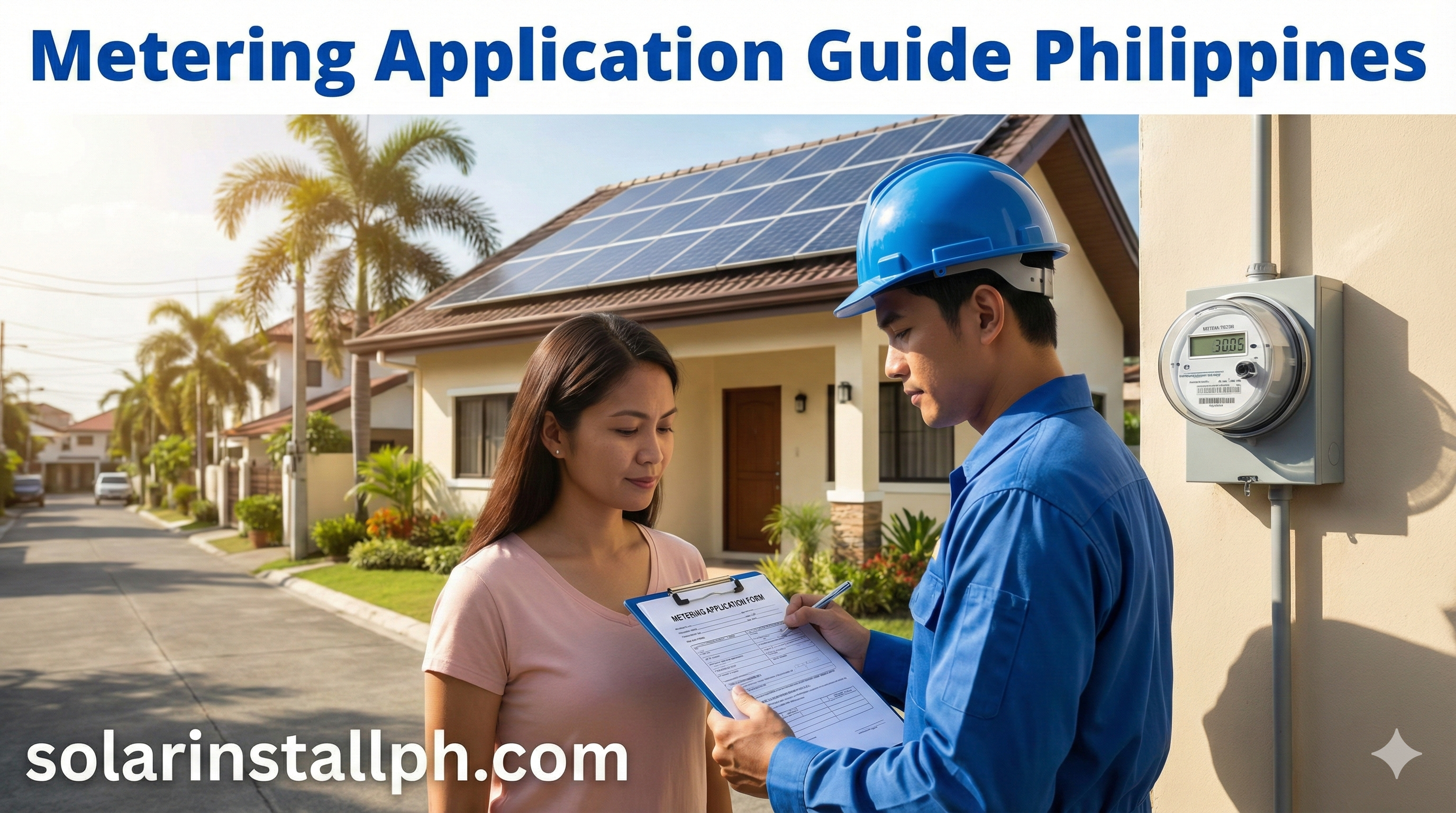
So, you’ve installed solar panels. They are sitting on your roof, gleaming in the tropical sun. But your electric bill hasn't dropped to zero yet because you haven't flipped the "official" switch.
Connecting your system to the grid—legally—is the final hurdle. In the Philippines, this process is known as Net Metering (for homes) or Distributed Energy Resources (DER) licensing (for businesses).
It is a bureaucracy-heavy journey involving your Distribution Utility (DU like Meralco), your Local Government Unit (LGU), and the Energy Regulatory Commission (ERC). But the reward is getting paid for every kilowatt-hour you export.
Here is your step-by-step guide to the metering application process in 2025, including the major new rules that just changed the game.
2025 Update: The "Banking" Breakthrough
Before we dive into the paperwork, you need to know about ERC Resolution No. 15, Series of 2025. This is a massive win for Filipino homeowners.
Previously, if you didn't use your export credits within a certain period, you could lose them. The new rules now allow:
Banking of Credits: Your excess solar credits can be rolled over indefinitely. You can save them up during sunny months and use them during the rainy season.
Voluntary REC Meter: That second meter (REC meter) that used to be mandatory? It is now voluntary. You can opt out of installing it, saving you ₱8,000–₱15,000 in wiring and meter socket costs, provided you sign a waiver.
Step 1: The "Yellow Card" (Technical Evaluation)
You cannot just walk into City Hall and ask for a permit. You first need to tell the utility you exist.
Your installer should submit a Net Metering Application to your DU (Meralco, VECO, Davao Light, etc.). The utility will conduct a Distribution Impact Study (DIS) to ensure your solar system won’t blow up their transformer.
Cost: Meralco currently waives the DIS fee for standard residential applicants, but some Electric Cooperatives (ECs) may charge ₱1,500–₱3,000.
Output: If you pass, you receive a "Notice" or Technical Evaluation document (often nicknamed the "Yellow Card").
Why you need it: You must show this "Yellow Card" to your City Hall to prove your project is legitimate. Without it, the LGU will usually refuse to inspect your home.
For a deeper dive on this specific dance, read our article on LGU permit timelines.
Step 2: The LGU & CFEI
This is often the longest bottleneck. You need to secure a Certificate of Final Electrical Inspection (CFEI) from your city’s Office of the Building Official (OBO).
To get a CFEI, you typically need:
Electrical Permit: Signed and sealed by a Professional Electrical Engineer (PEE).
Structural Analysis: Proving your roof can hold the weight (especially for older homes).
Fire Safety Certificate: From the Bureau of Fire Protection (BFP).
Pro Tip: Many homeowners try to "DIY" this. Don't. City Hall engineers speak a technical language (load schedules, short circuit analysis) that requires a PEE. Ensure your installer includes "Permitting Services" in their package, or you will spend weeks queuing.
Learn more about the risks of skipping this step in our guide to avoiding "colorum" solar.
Step 3: The ERC Certificate of Compliance (COC)
Once you have your CFEI, you go back to the Utility. They will help you file for a Certificate of Compliance (COC) from the ERC.
Fee: ₱1,500 COC application fee (payable to the ERC).
Validity: The COC is valid for 5 years.
New Rule: Under the 2025 updates, the utility is mandated to help you process this, reducing the "red tape" burden on the homeowner.
For a full list of valid requirements, check our DOE/ERC solar documentation guide.
Step 4: Meter Installation & "Bill Deposit"
With the CFEI and COC application filed, the Utility will finally schedule your meter replacement.
They will remove your old uni-directional meter and install a Bi-directional Meter. This smart meter measures two things:
Import: Energy you buy from the grid.
Export: Excess solar energy you sell to the grid.
The Hidden Cost:
When you apply for Net Metering, the Utility considers it a "contract modification." They will recalculate your Bill Deposit.
If your original deposit was ₱2,000 (paid in 1995) but your current average bill is ₱10,000, they will ask you to "top up" the difference (₱8,000) before installing the new meter.
This catches many people off guard. Be prepared for this one-time cash out.
You can calculate your potential returns using our Net Metering savings guide.
Commercial Guide: Over 100kW (DER & Zero Export)
If you are a business owner and your system is larger than 100kW, you cannot apply for "Net Metering." You have two main paths:
1. Zero Export / Self-Generating Facility (SGF)
For: Businesses that consume all their solar power and export nothing.
Requirement: You must install a "Zero Export" device that throttles your inverter if you produce too much.
Permit: You still need a CFEI and a COC, but the process is slightly faster because you don't need a commercial export contract.
2. Distributed Energy Resources (DER)
For: Businesses >100kW that want to sell excess power.
Limit: You can only export up to 30% of your system capacity.
Rate: You are paid a lower "blended generation rate" (unlike Net Metering, which pays the full generation charge).
If you are navigating this complex commercial landscape, consult our business solar incentives guide.
Summary Checklist
Application: Submit to DU (get Yellow Card).
Permit: Submit Yellow Card + Plans to LGU (get CFEI).
Compliance: Pay ERC fee (get COC).
Contract: Sign Amended Net Metering Agreement.
Install: Pay Bill Deposit update -> DU installs Bi-directional Meter.
Next Step
The most common delay is the Electrical Plan. Before you sign a contract, ask your installer: "Is the PEE sign-and-seal fee included, or is that extra?" A surprise ₱15,000 fee for a signature is a terrible way to start your solar journey.